
Timesheet Management Software in Mumbai
Timesheets without the chasing
Project time tracking, billable vs non-billable hours, client reports, utilization analytics. For agencies, consulting firms, and any team that bills by the hour.
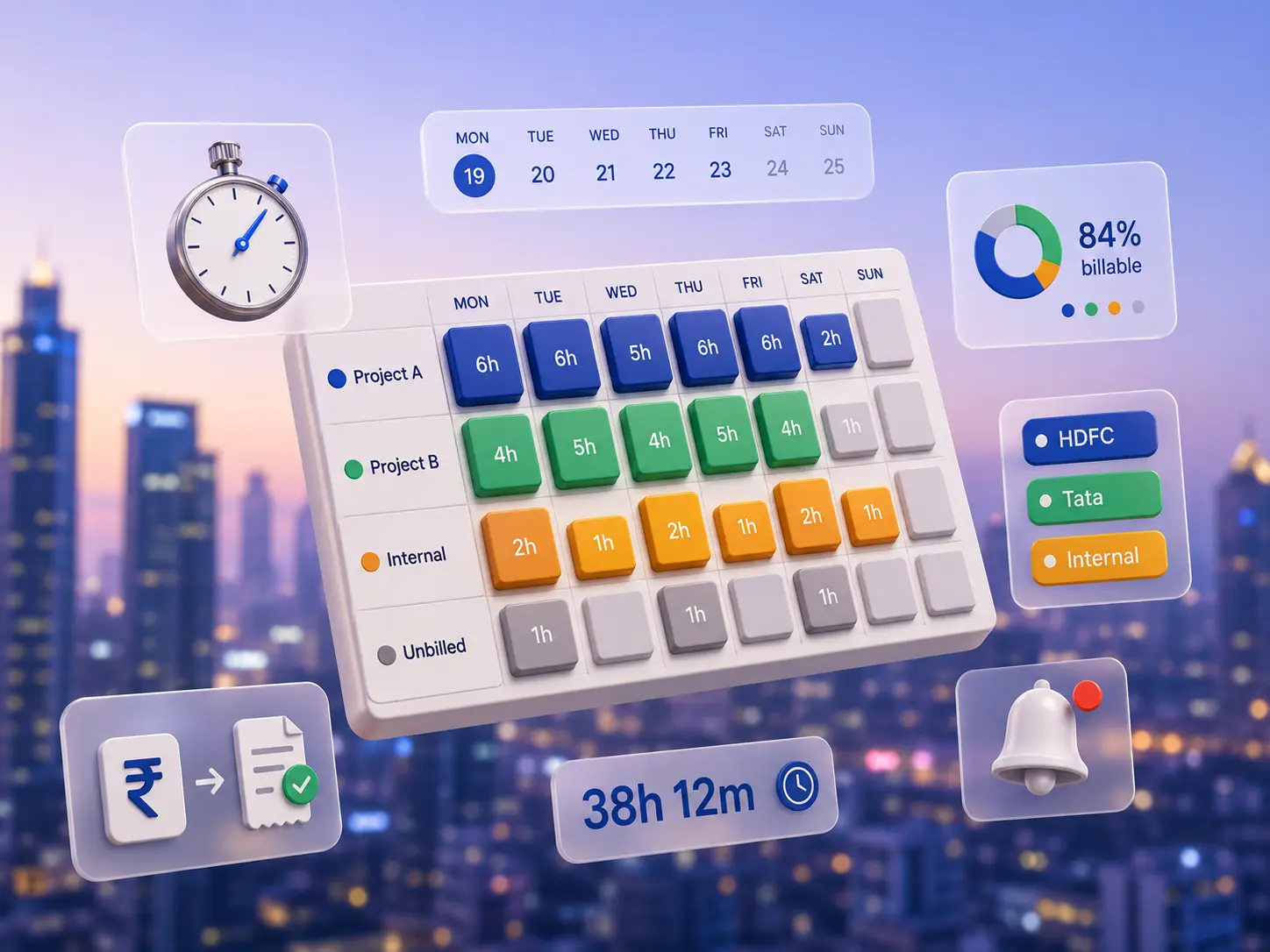
Time tracking your team will actually fill out
Fast entry, clear ownership, automatic flow to billing and payroll. No more Friday-evening chase.
Project & task tracking
Multi-level project structure: client, project, phase, task. Allocate effort estimates, track actuals against plan.
Billable vs non-billable
Tag every hour as billable, non-billable, or admin overhead. Per-employee billing rates by role or by project.
Daily & weekly entry
Flexible entry modes: granular daily by task, or quick weekly grid. Copy from last week. Auto-fill from calendar events.
Approval workflow
Submit weekly. Manager approves or sends back with comments. Bulk-approve entire team in one click.
Mobile entry
Log time on the go from the factoHR app. Voice-to-text for descriptions. Daily reminder pings if nothing logged.
Utilization reports
Billable utilization per employee, team, or department. Project profitability. Variance against budgeted hours. Bench tracking.
Overtime & pay integration
Overtime hours flow to payroll automatically. Project-based shift differentials and OT multipliers configurable.
Leave integration
Approved leave shows on the timesheet automatically. No double-entry. No "where are my hours?" disputes.
Export & integrations
Export to Excel, Tally, Zoho Books, QuickBooks, or your invoicing tool. Webhooks and CSV exports for custom flows.
Built for teams where every hour counts
Timesheets matter when your business runs on billable hours, fixed-fee projects, or government contracts that need audit trails. factoHR's timesheet was built for these teams from the start.
Approved timesheets become invoice line items in your billing tool. No re-keying, no reconciliation drift.
From project allocation to client billing
Set up projects
Define clients, projects, tasks, billing rates, and team allocations. Set hour budgets if needed.
Daily entry
Employees log time daily or weekly via the ESS app, web, or weekly grid. Voice-to-text for fast descriptions.
Manager approval
Weekly submission. Manager reviews, approves, or sends back. Auto-reminders for skipped weeks.
Bill & pay
Approved billable hours flow to your invoicing tool. Overtime flows to payroll. Reports for management.
What changes when time tracking leaves Excel
Friday-evening timesheet chase
- Manager chases 14 people every Friday for their timesheets
- Excel sheets, different formats, broken formulas
- Half the team logs hours from memory, badly
- Billing team copies data into the invoicing tool by hand
- Utilization reports take 3 hours per month to build
- Project burn is known 2 weeks after the fact
Time tracked, billed, and analysed
- Daily logging with mobile reminders, accurate hours
- One platform, one format, one source of truth
- Manager approves the whole team in 5 minutes
- Billable hours flow to invoicing automatically
- Utilization dashboard updates in real time
- Project burn visible the same day, course-correct fast
“factoHR has helped us reduce our payroll workforce in half and improve efficiency by 50%. Timesheet to payroll to client billing all happens in one flow now, instead of three teams reconciling at month-end.”

Timesheet ships in Premium
Full project timesheet, billable tracking, and utilization reports are part of Premium at ₹5,999/month.
Questions teams ask before switching
Does it integrate with our payroll?
Yes. Overtime hours and shift differentials auto-flow from approved timesheets into payroll. No double entry. Comp-off rules supported.
Can we have different approval flows per project?
Yes. Each project can have its own approval chain: project manager only, project manager plus delivery head, or even client-side approval for fixed-fee engagements.
How do we handle multi-project allocation?
An employee can be allocated to multiple projects at the same time, with optional allocation percentages. Approval can be project-wise. Reports break down hours by project.
Can we configure billing rates differently?
Per-employee rate cards, per-project overrides, currency-aware (if you bill international clients), and effective-date-based rate changes are all supported.
What about fixed-fee projects?
Track hours against a fixed-fee budget. See burn percentage and remaining budget in real time. Alerts when 80% or 100% of budgeted hours are consumed.
Does it export to Zoho Books or Tally?
Yes. Built-in export to Zoho Books, QuickBooks, Tally, and Excel. Custom CSV export with mapping for any other billing tool. API access for custom integrations.
What if employees forget to log time?
Daily and weekly reminders via the ESS app, email, or Slack. Managers can see who hasn't submitted. Auto-block payroll release for non-submitters (configurable).
Ready to stop chasing timesheets?
14-day free trial. Our team helps you set up projects, billing rates, and approval flows so your first weekly cycle runs smooth.